

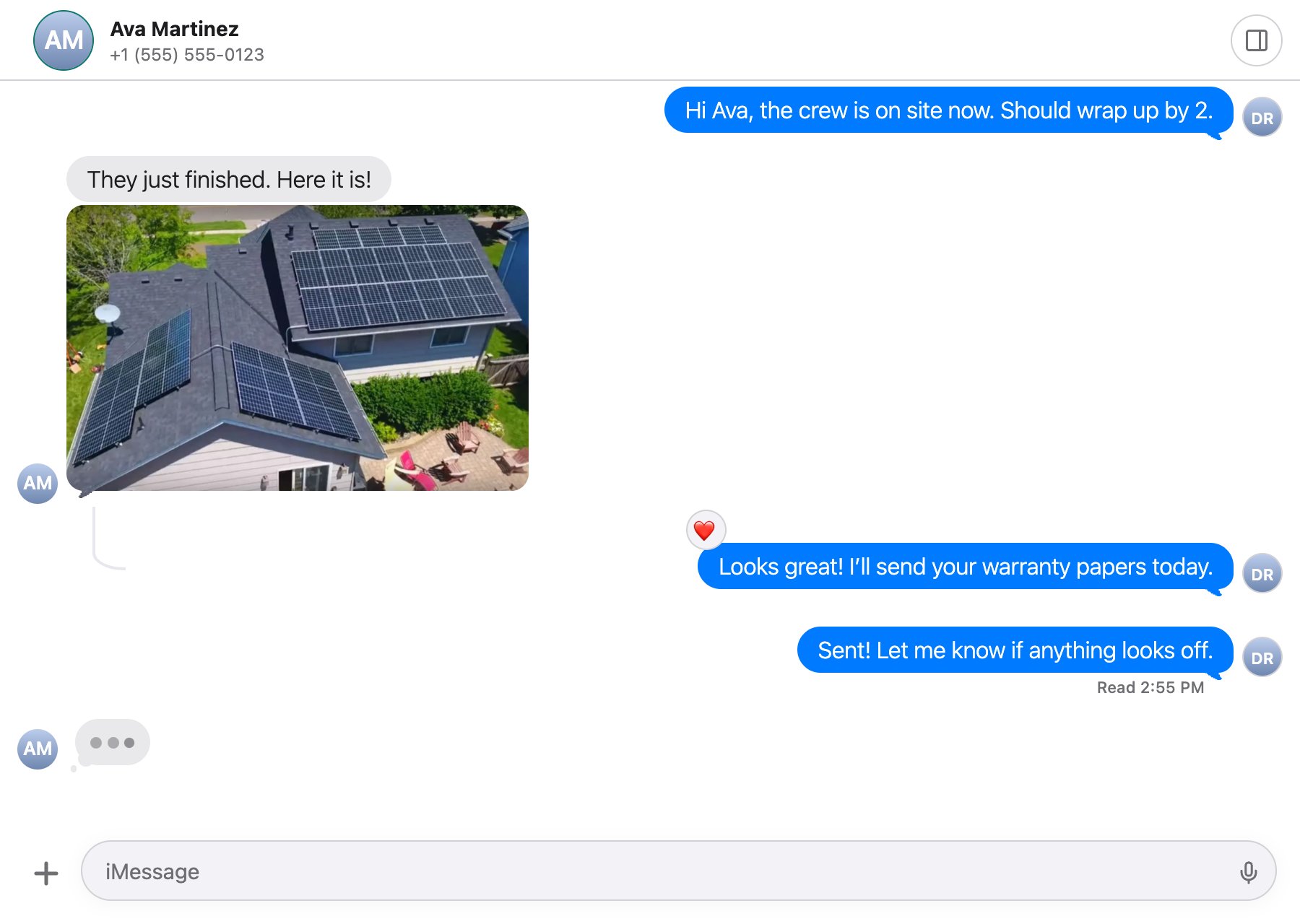
One conversation in the embedded view: photos, threaded replies, reactions, read receipts and typing, as in Messages.
Partner accounts only. Before your first view, send Blujay support the exact origins that will frame it (like
https://app.example.com, plus your staging origin), your accent color as #RRGGBB, and optionally your logo’s https URL.Create a view URL
Call this from your server when the page that shows the view loads. Any partner key works, with the customer’s header.201 Created
data.url straight into the iframe. It works once, for 60 seconds, so create it when the page loads and never log, store or share it. Full reference: Create an embedded view URL.
Modes
The view acts as
team_member_id, so “Assigned to me” means them.
Frame it
parent_origin can frame it. Don’t add sandbox restrictions that block scripts or same-origin storage.
Listen for the view’s messages
The view posts to your exactparent_origin only, and listens to nothing from your page. Accept a message only when its origin is the view URL’s origin.
/blujay/view-url stands for your own server route that calls POST /v1/embed/sessions. Each message is { source: "partner-embed", version: 1, type, ... }:
What the view shows
- Your brand. Your accent color and logo; no Blujay name or logo. Bubbles stay iMessage blue and SMS green.
- Messaging, not a contact record. The contact panel shows the name, number, email, whether they use iMessage, the assignee, the sending number and group controls. Keep names and details current with Contacts.
- No calls. Calls don’t start in the view.
Good to know
- Sessions last up to 8 hours from opening and are never extended.
- A view ends at its next request if you revoke the key that made it, the customer is closed, or the teammate is deactivated.
- Paused or closing customers can’t make changes from the view; Blujay refuses them.
- Wrong origin? An origin you didn’t register returns
400 EMBED_PARENT_ORIGIN_NOT_REGISTERED.
Next steps
Customers and teammates
Add the teammate the view acts as.
Partner webhooks
Get every customer’s events in one place.